TBOU Notes
Feature-rich notes app with calendar integration, OCR, and rich text editing.
This case study highlights technical work from a prior role. AS Infotech was not the contracting agency for this product.
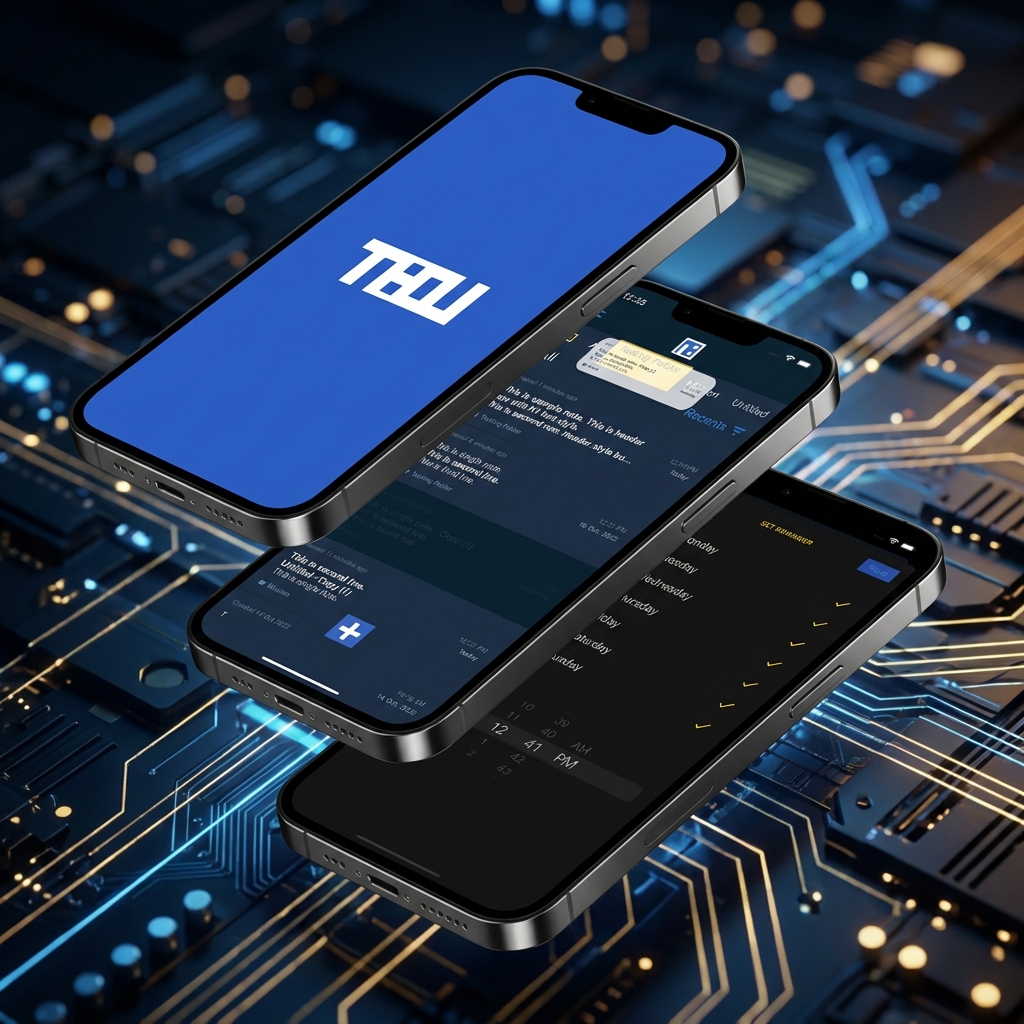
Screenshots
Mobile
(19)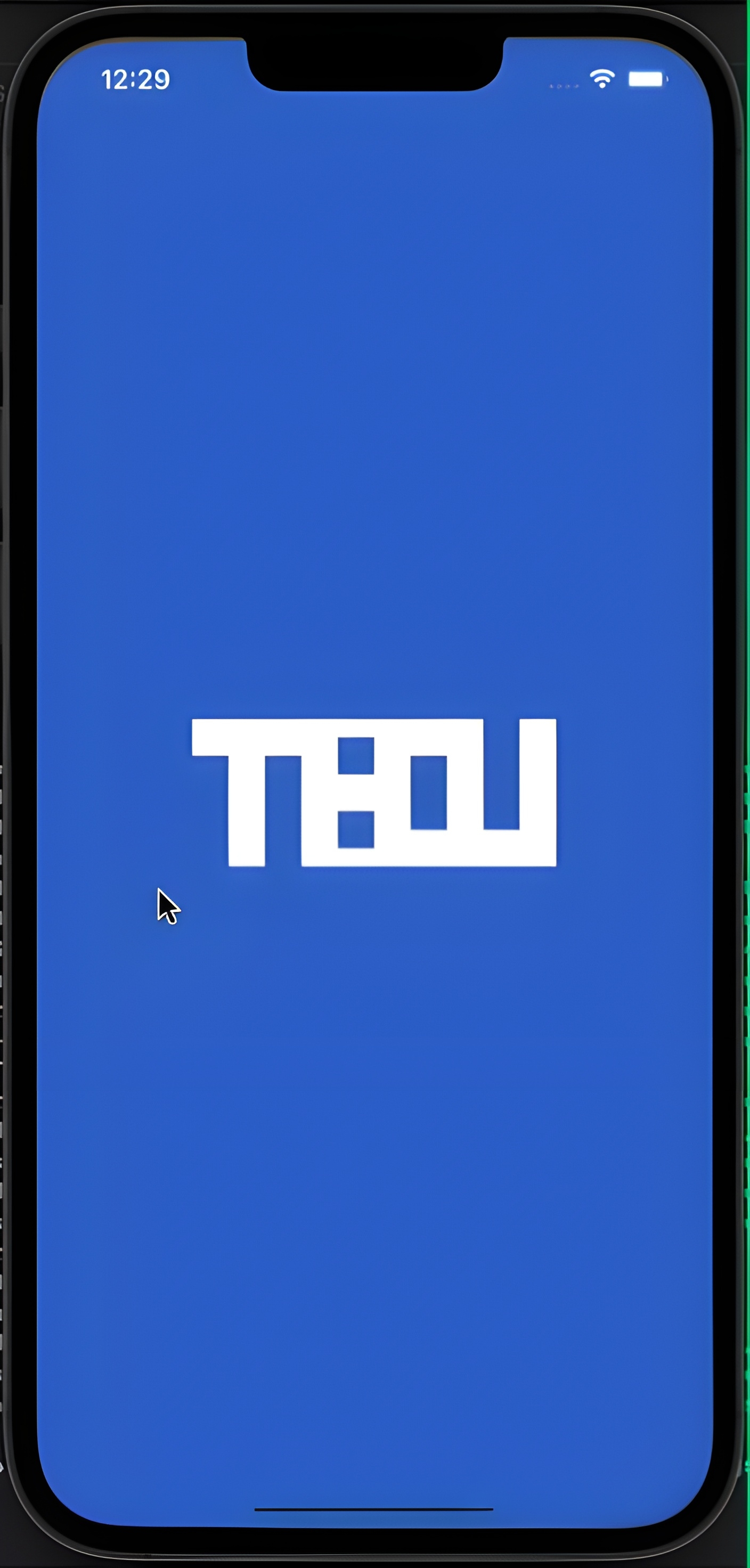
Screenshot 1
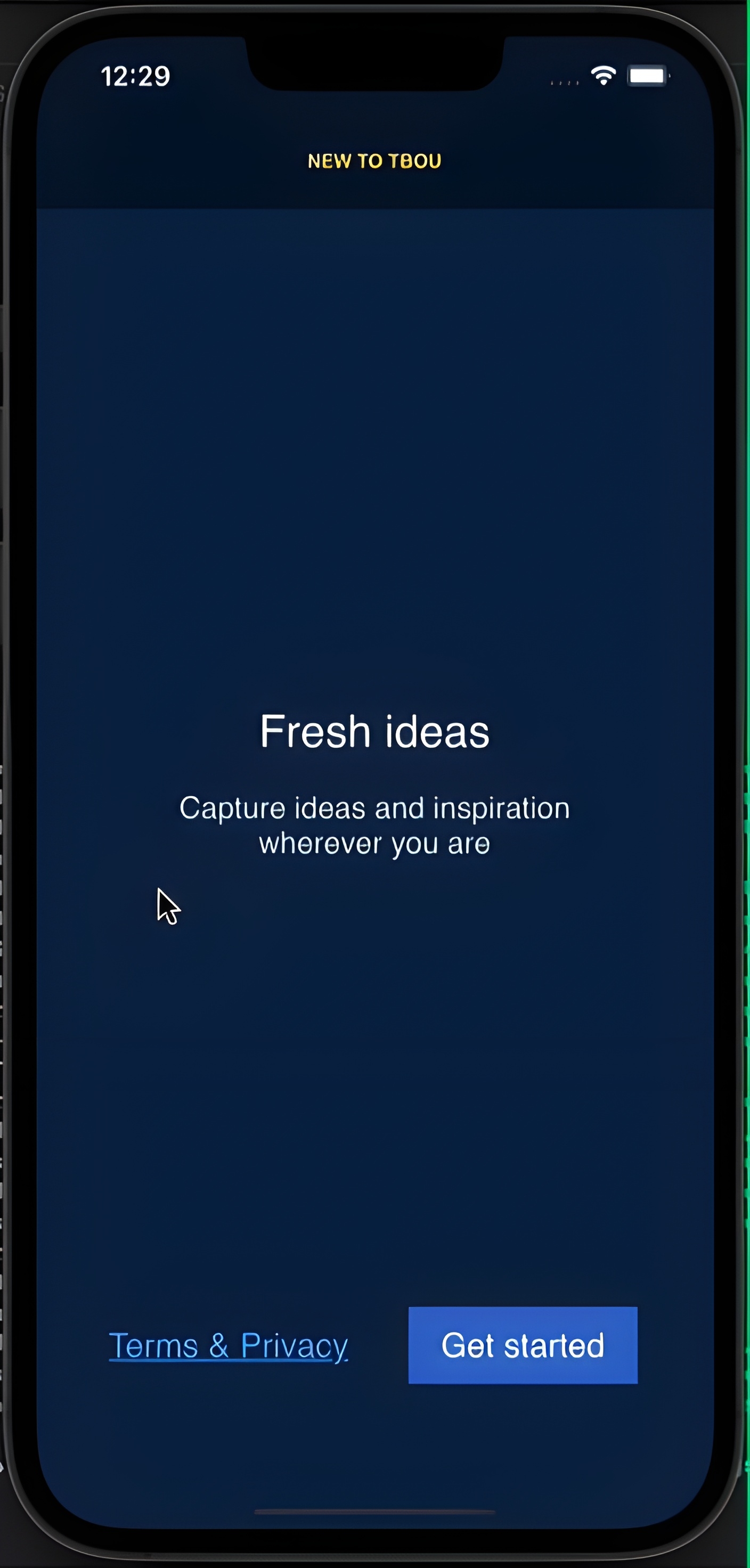
Screenshot 2
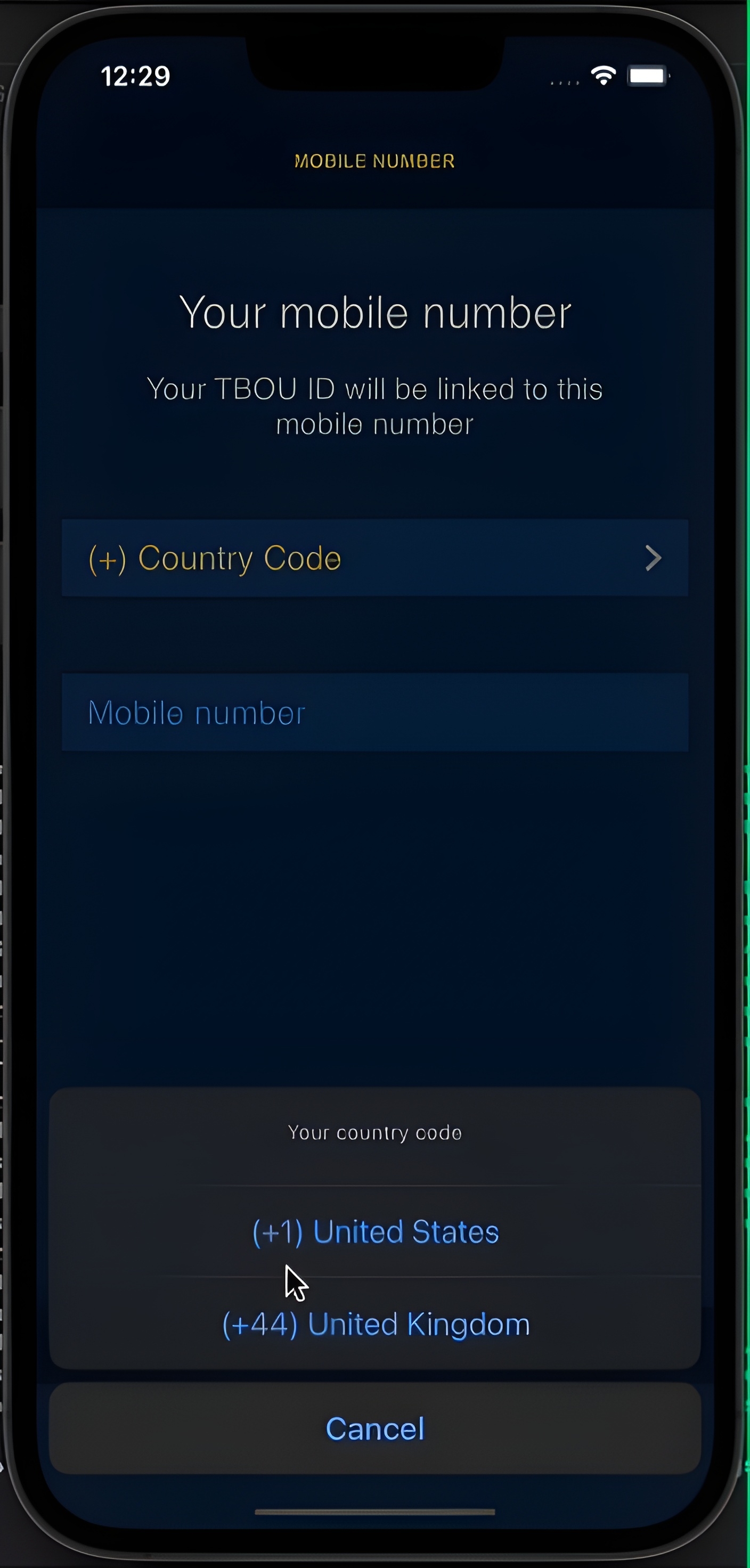
Screenshot 3
Screenshot 4
Screenshot 5
Screenshot 6
Screenshot 7
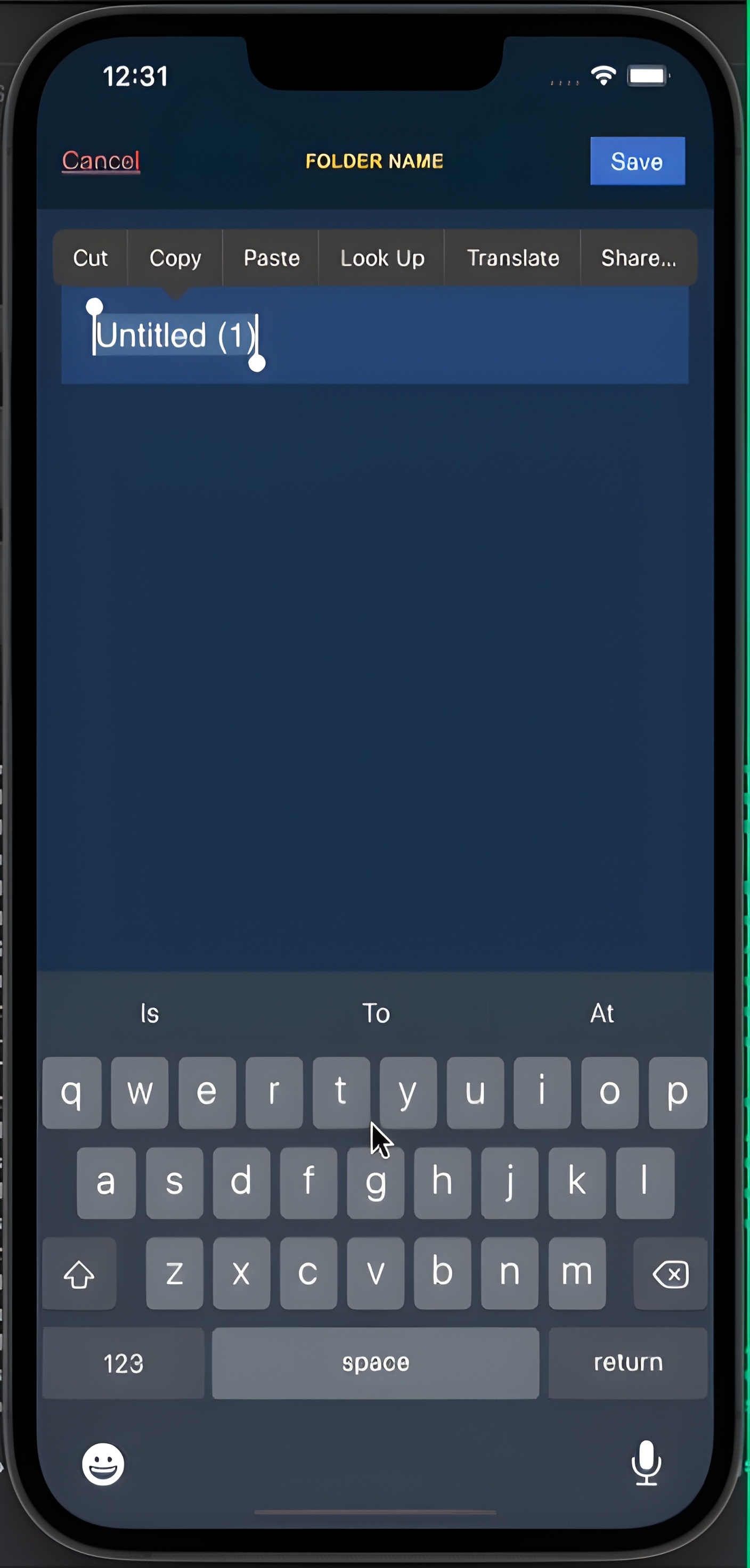
Screenshot 8
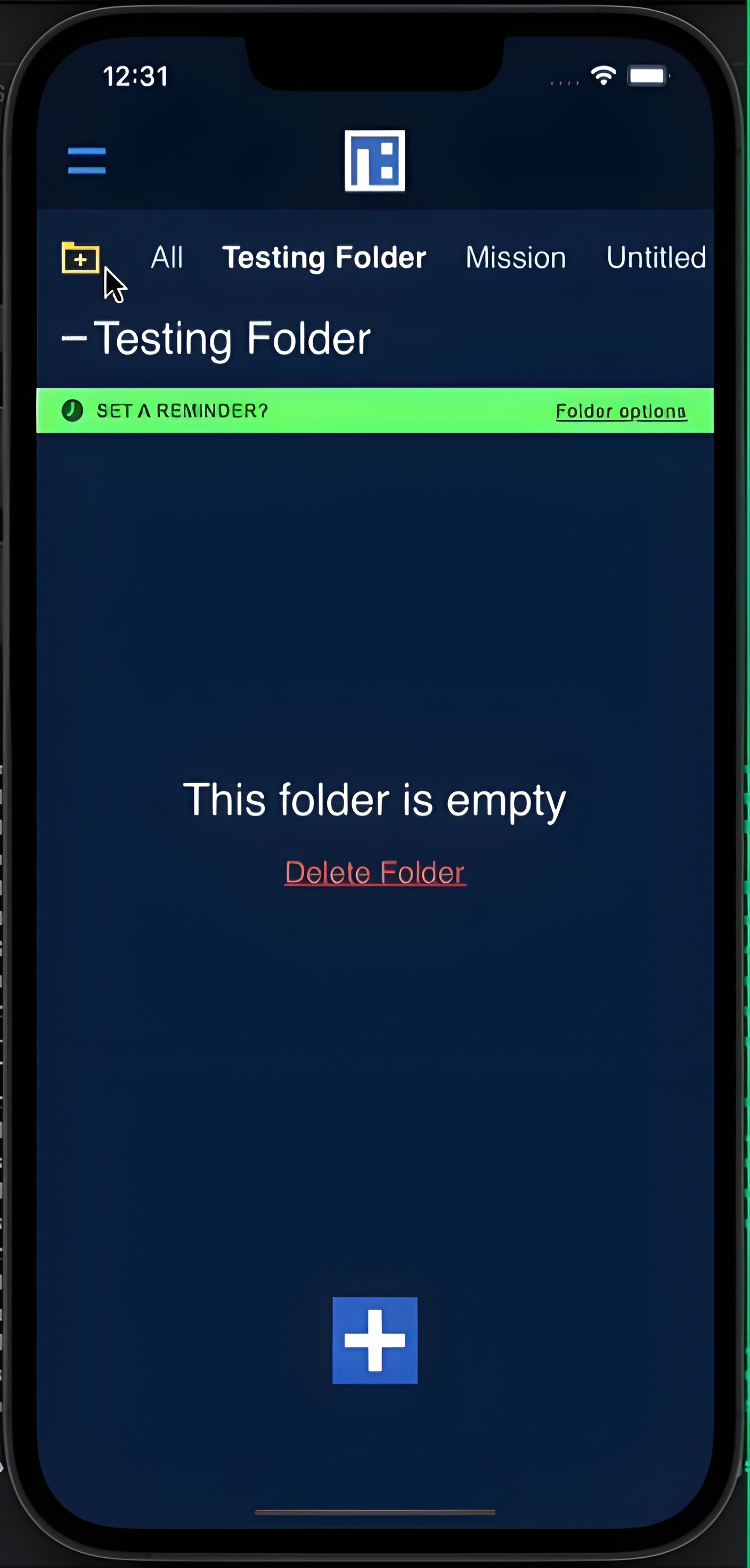
Screenshot 9
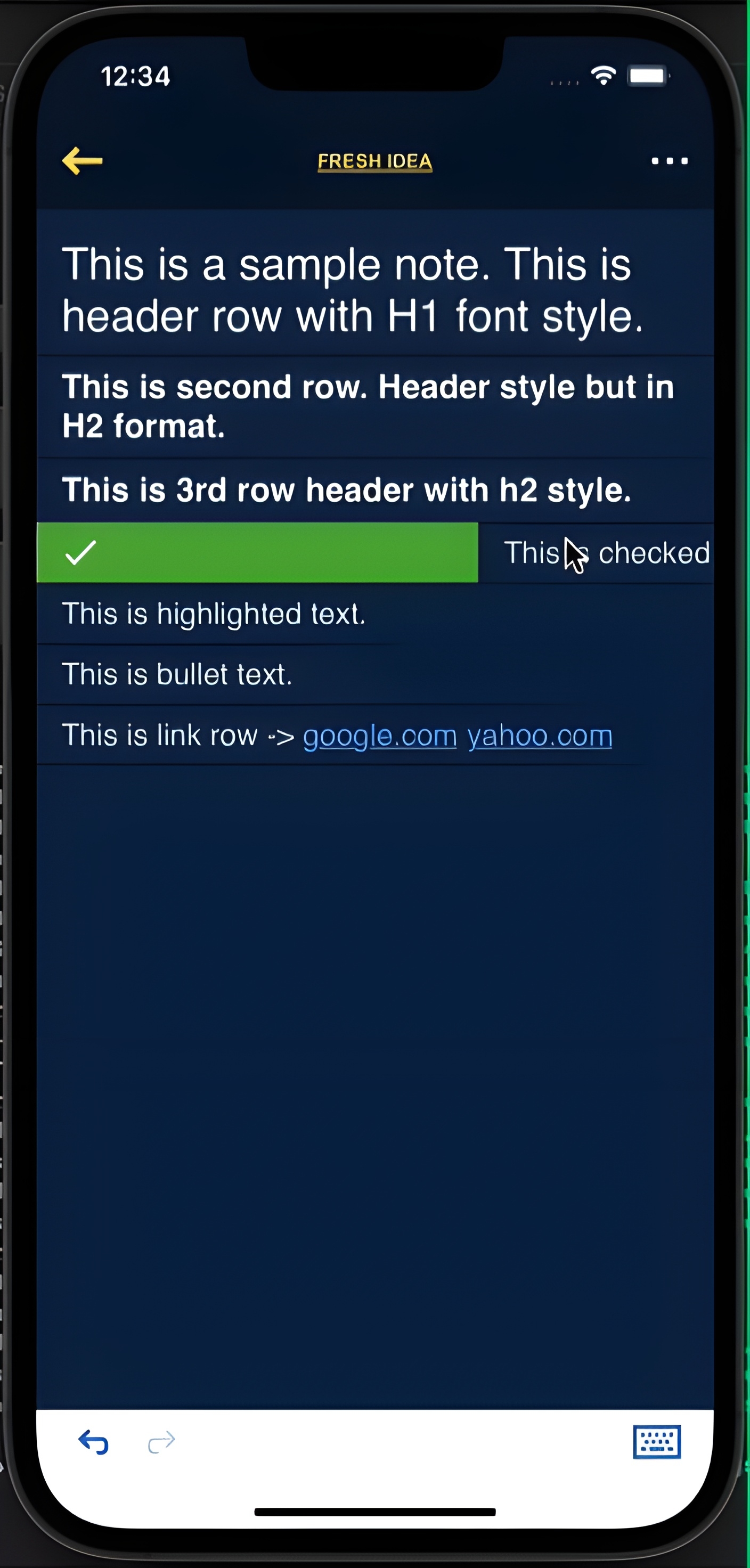
Screenshot 10
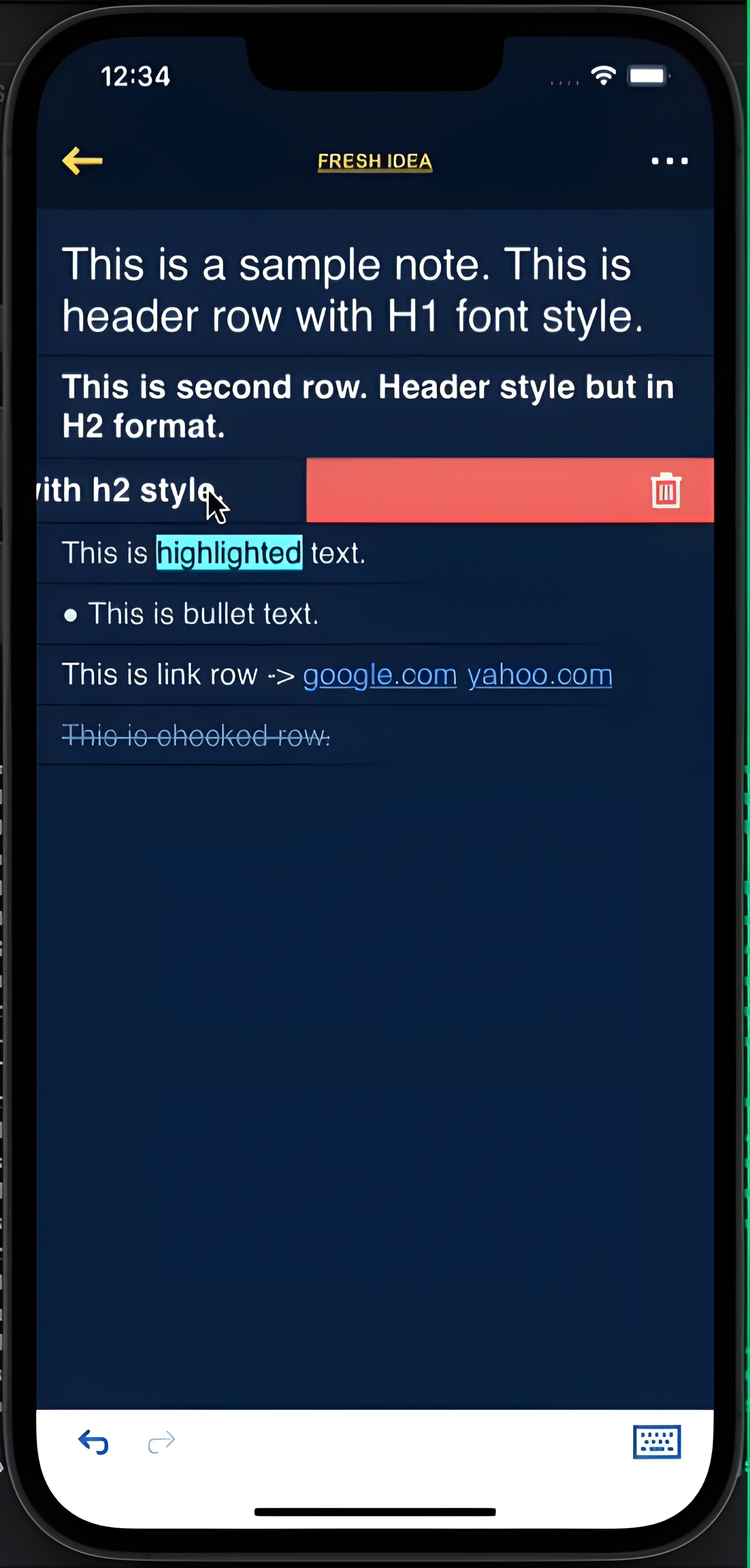
Screenshot 11
Screenshot 12
Screenshot 13
Screenshot 14
Screenshot 15
Screenshot 16
Screenshot 17
Screenshot 18
Screenshot 19
Videos
TBOU Notes - Full App Demo
TBOU Notes - Quick Feature Demo
TBOU Notes - Text Formatting
Overview
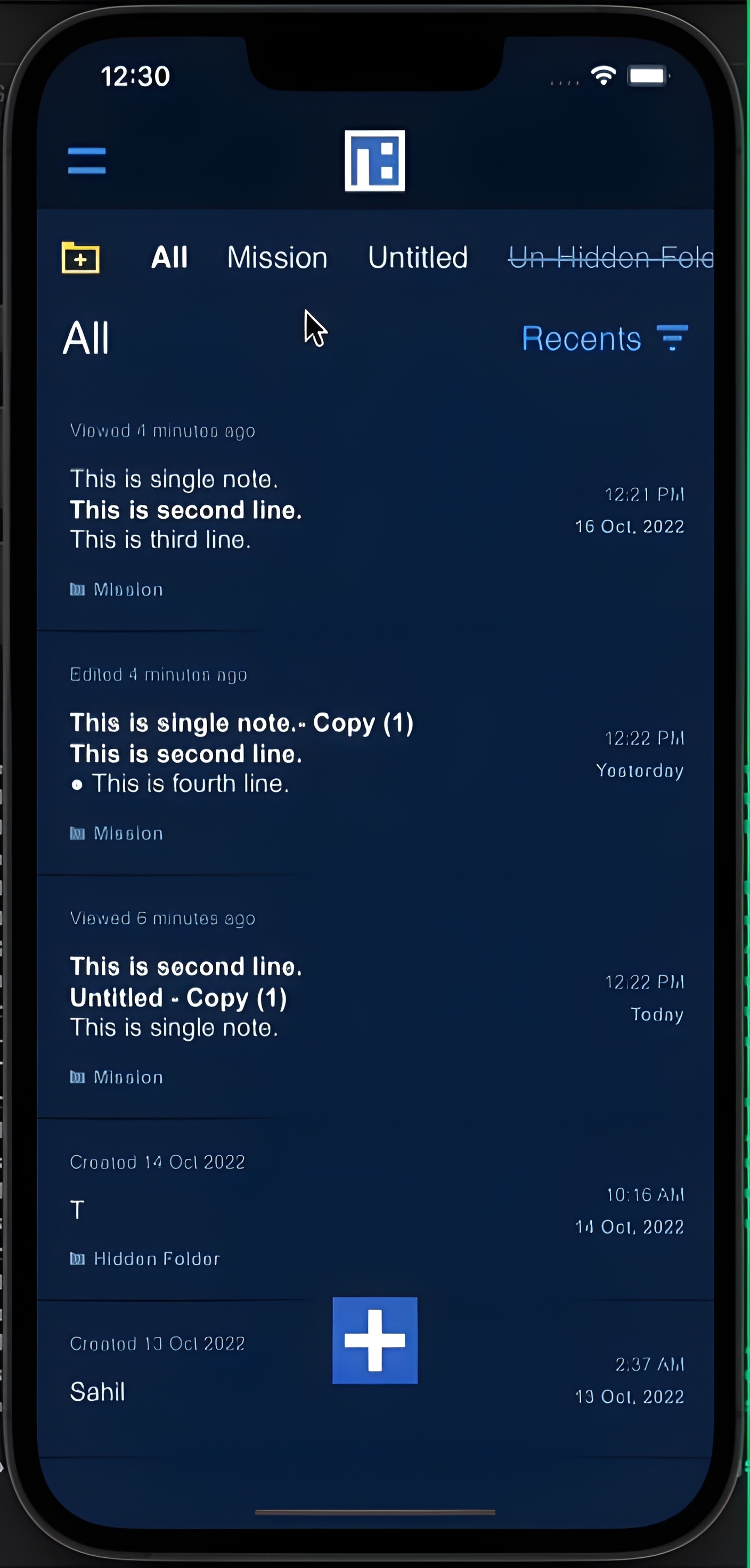
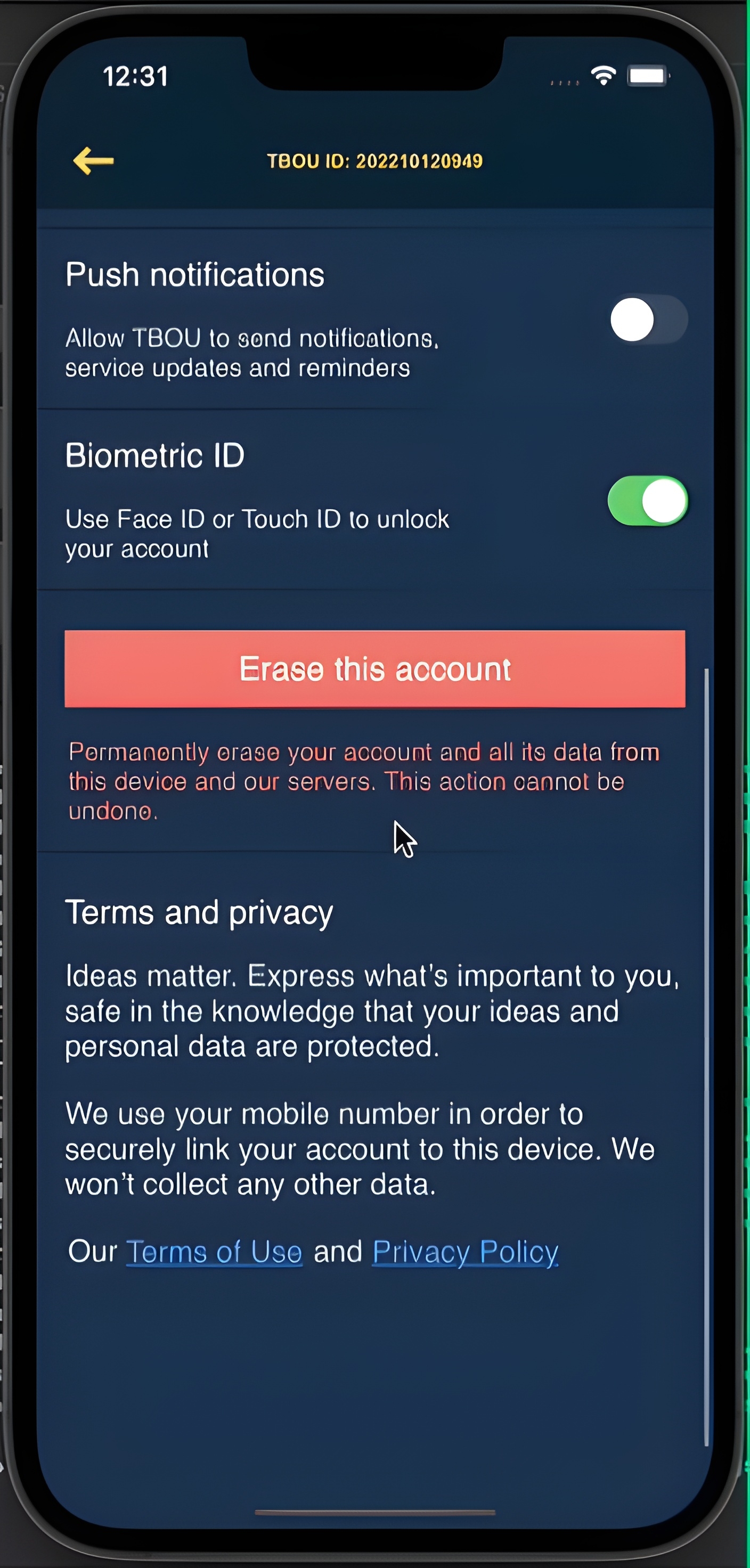
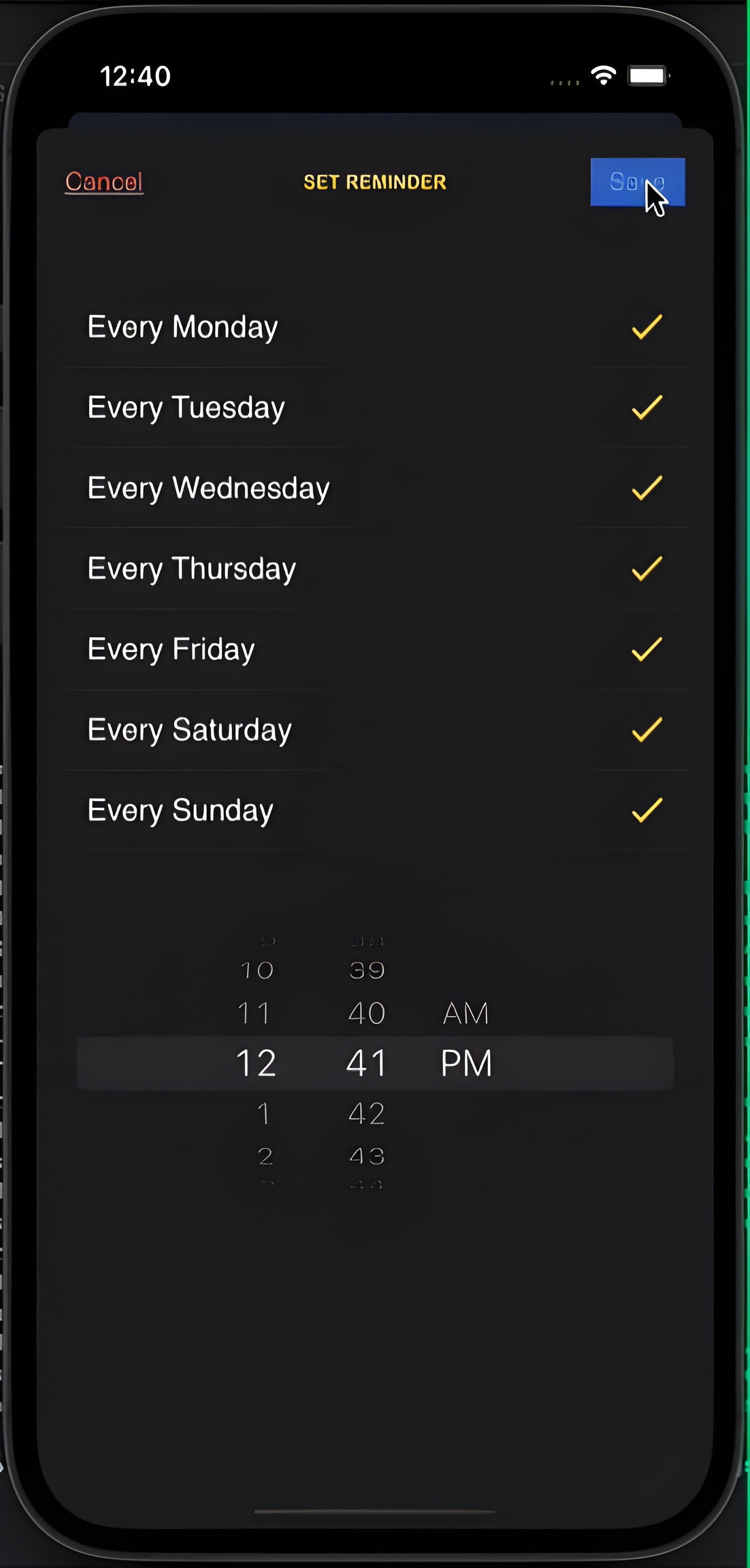
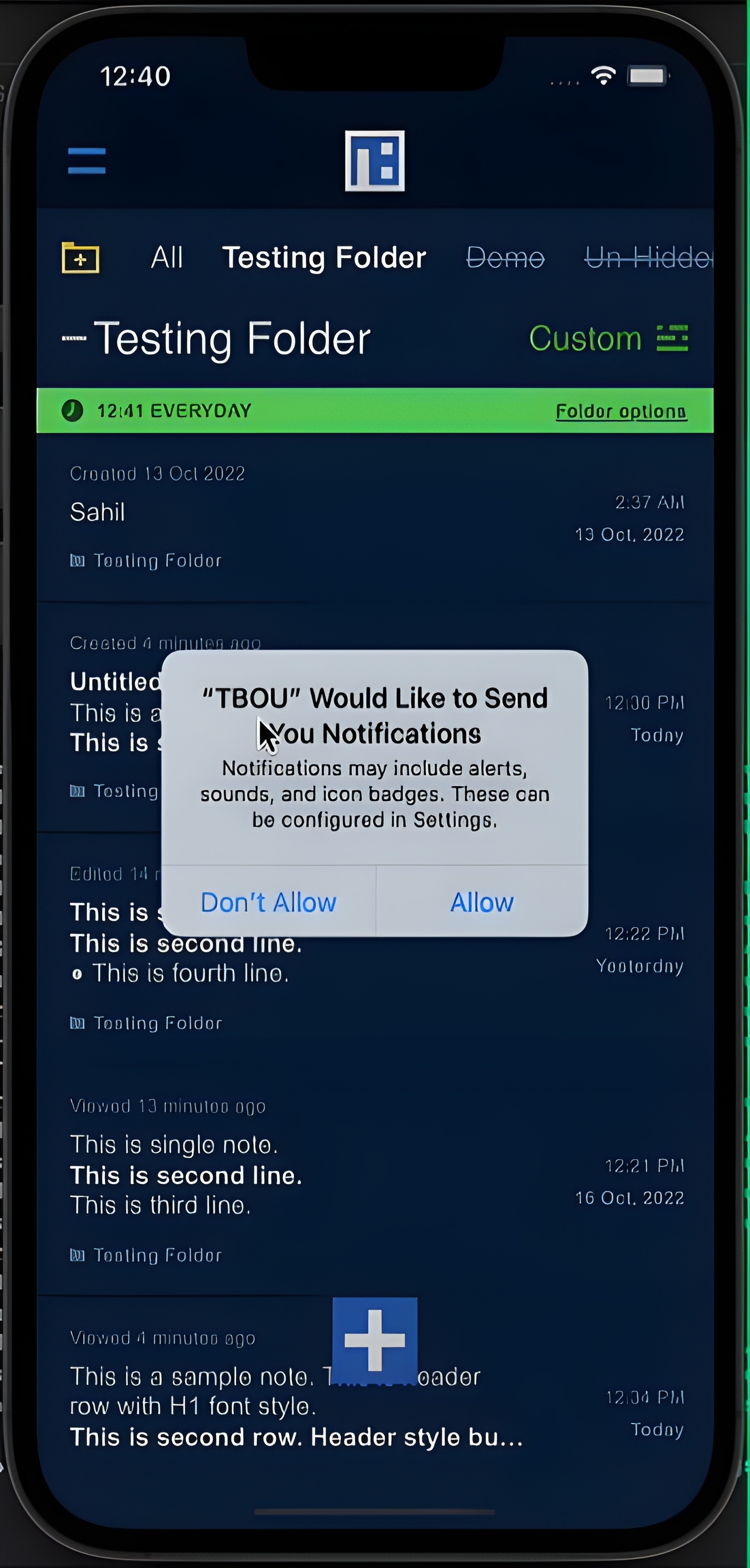
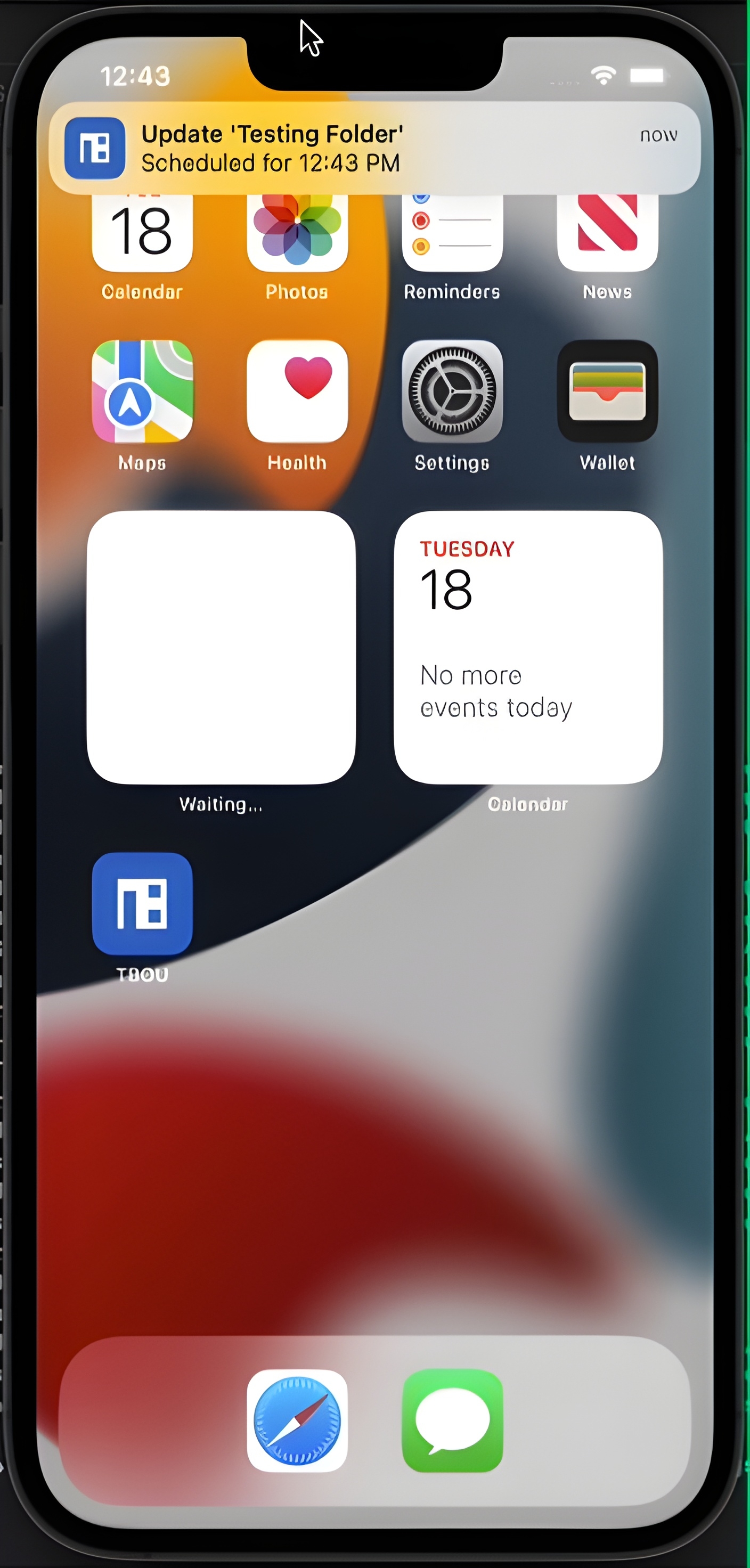
TBOU is a feature-rich notes and journaling app that combines powerful text editing capabilities with seamless cloud synchronization. The app serves as a complete productivity solution for capturing thoughts, managing to-dos, and organizing information with rich text formatting and multimedia support. Built with Swift and CoreData, TBOU implements a sophisticated offline-first architecture that stores all notes locally with automatic server synchronization via Alamofire REST APIs. Users can create and edit notes with advanced text formatting including highlights, bold text, headers, bullet points, and custom attributes using NSMutableAttributedString. The app features intelligent link detection during typing, OCR-powered image scanning to extract text from photos, and drag-and-drop functionality for organizing content across table and collection views. Integration with iOS Calendar Events and Reminders allows users to set deadlines and schedule tasks directly from notes. The app supports both local and remote push notifications for timely reminders. Security is prioritized with biometric authentication (Face ID/Touch ID) for app access.
Challenges
- Rich text formatting with NSMutableAttributedString supporting multiple attributes simultaneously
- OCR integration for accurate text extraction from images in various lighting conditions
- Complex drag-and-drop between table views and collection views with smooth animations
- Offline-first sync logic preventing conflicts when same note edited on multiple devices
- Calendar events integration with proper permission handling and iOS system integration
Features
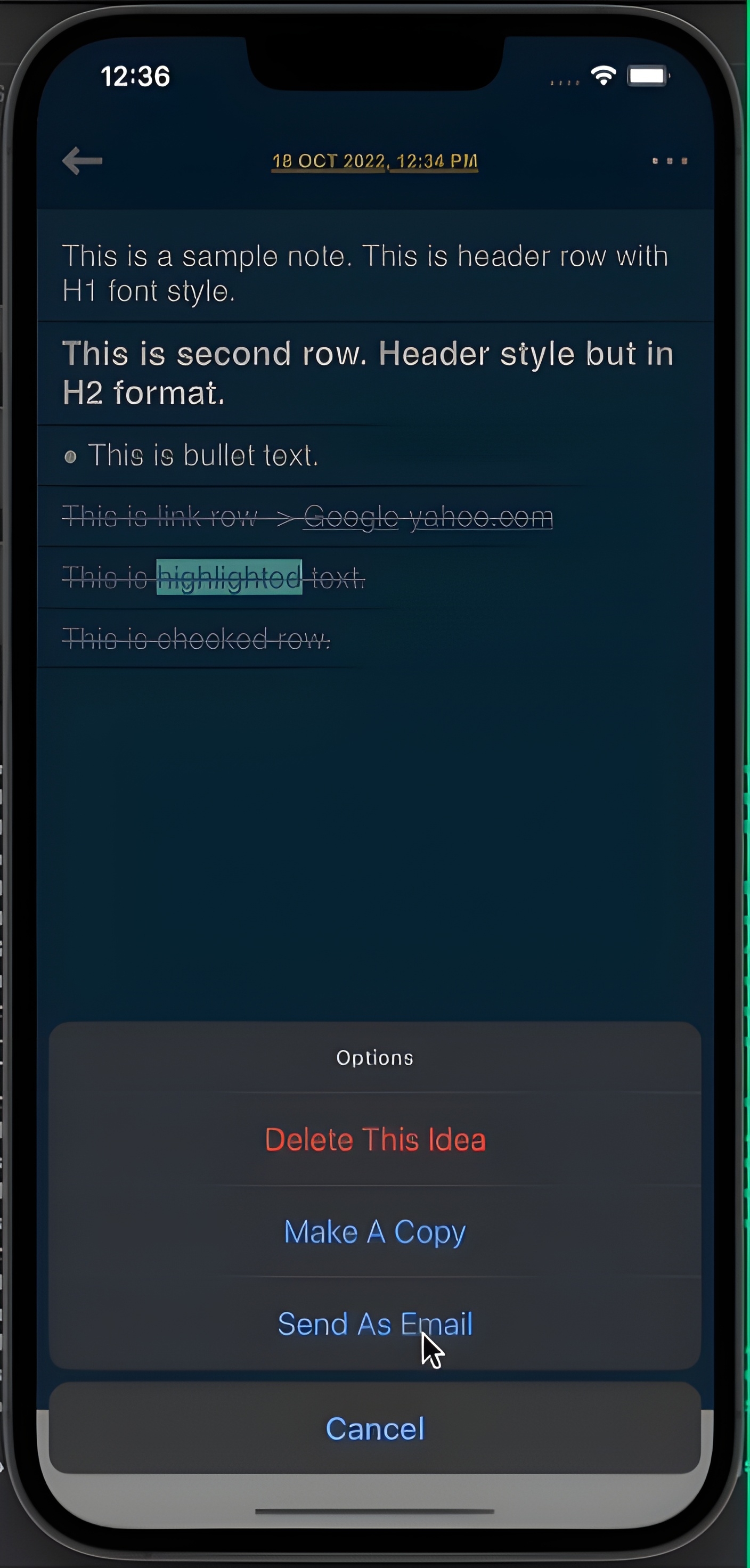
- ·Rich text editing (highlight, bold, headers, bullets)
- ·Calendar events and reminders integration
- ·OCR scanning to extract text from images
- ·Local and remote push notifications
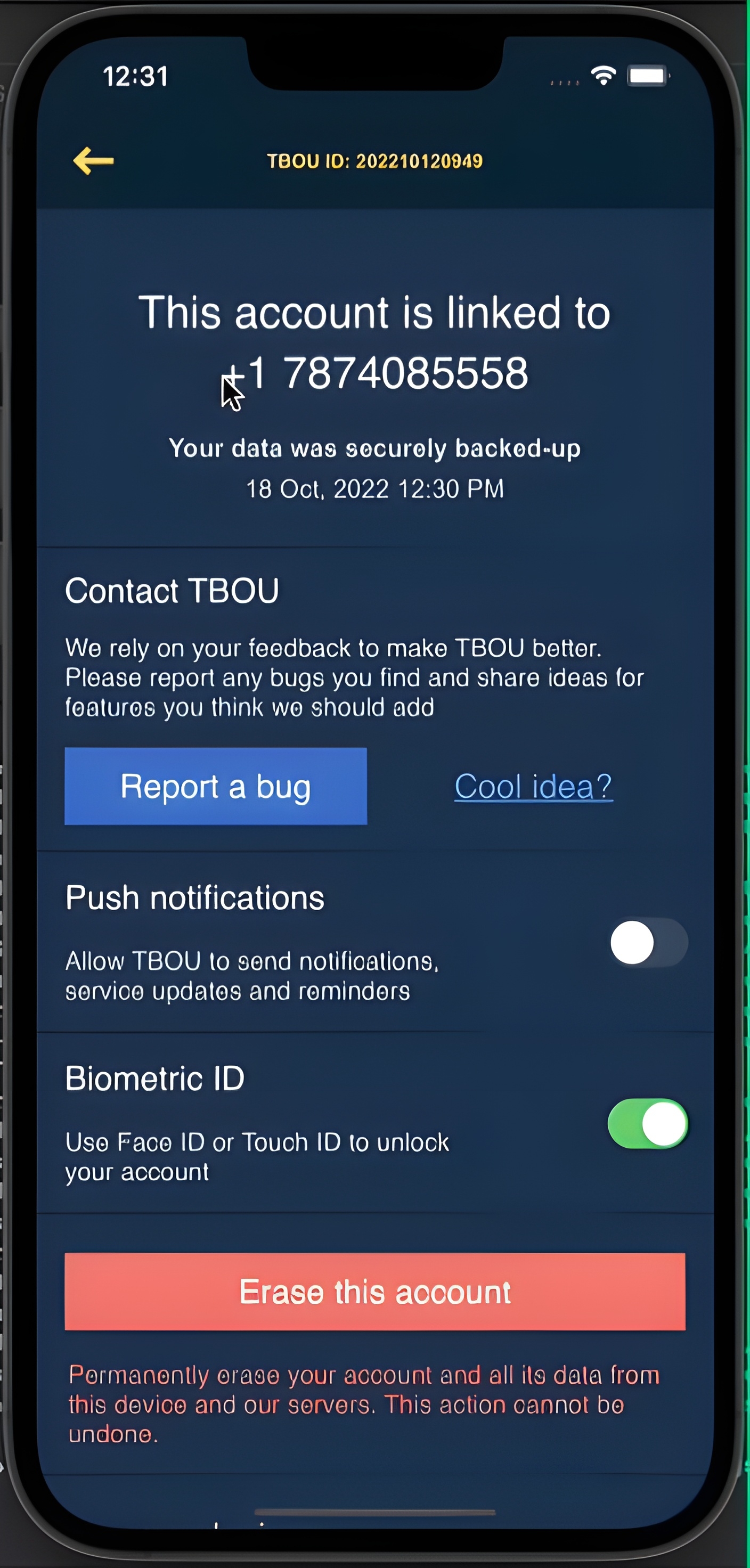
- ·Biometric login (Face ID/Touch ID)
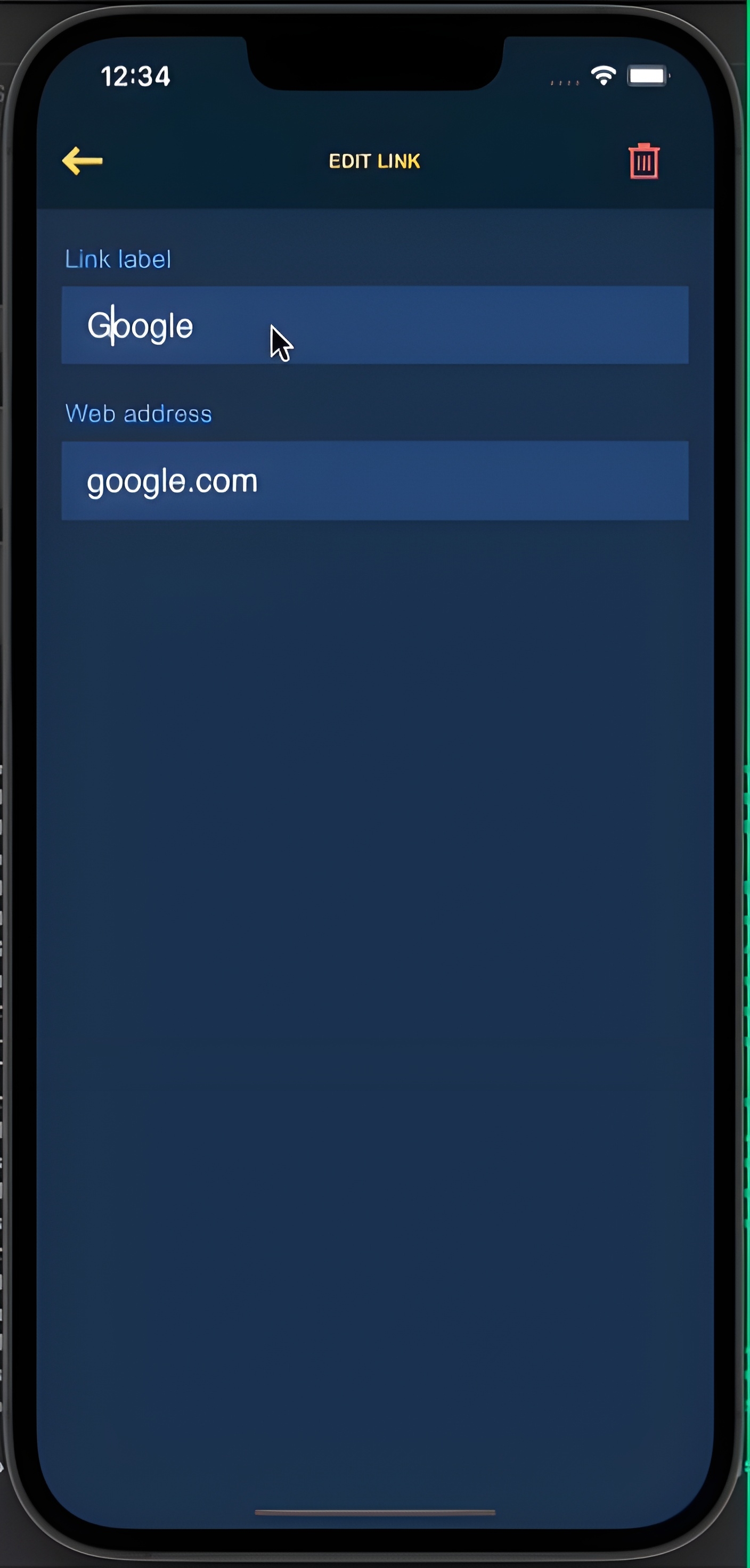
- ·Intelligent link detection while typing
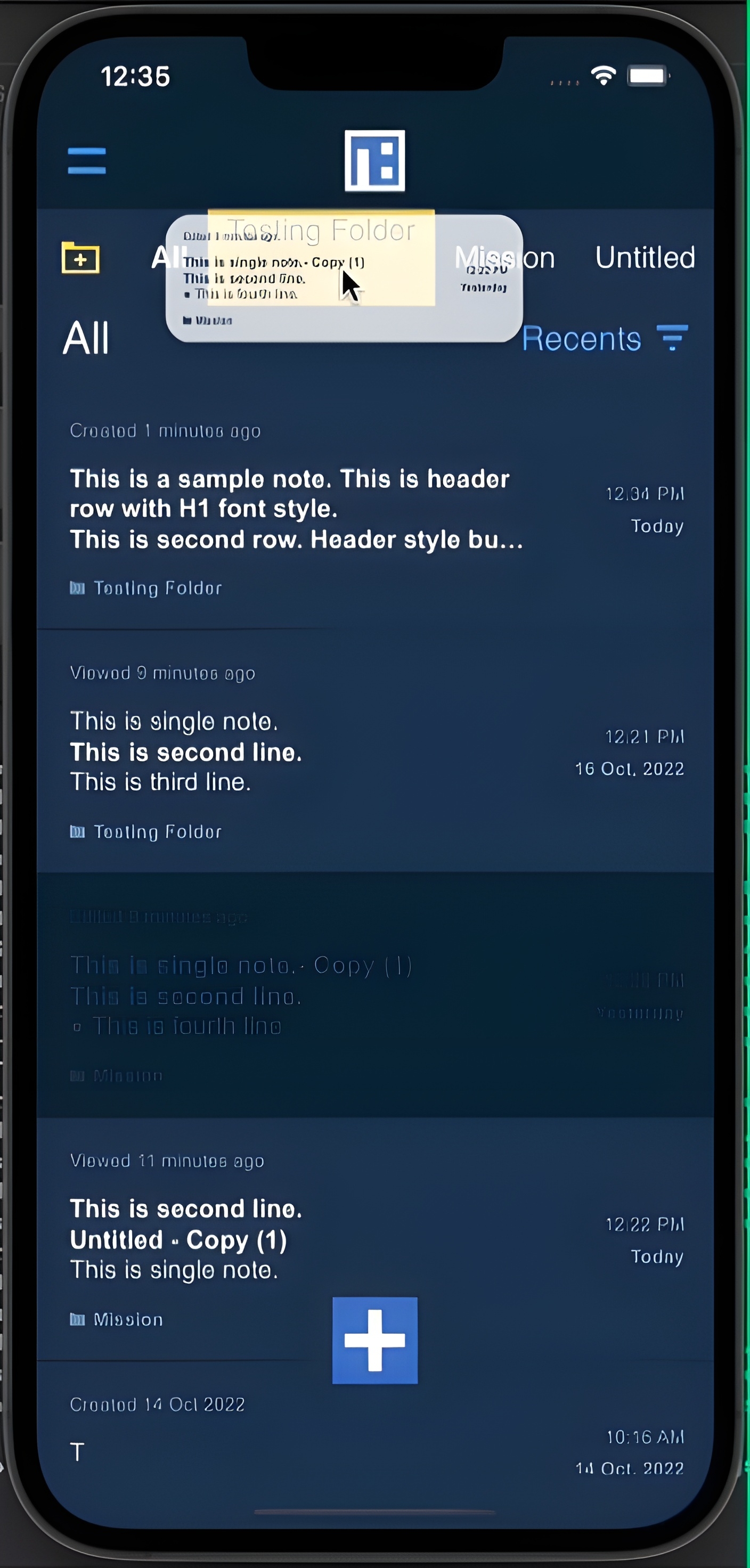
- ·Drag-and-drop across table and collection views
- ·Multiple row selection for batch operations
- ·Offline-first with automatic cloud sync
- ·Share notes with other users
Results
- Published on App Store with complete journaling and to-do management features
- Built advanced text formatting system supporting 10+ attribute types
- Implemented OCR with 90%+ accuracy for text extraction from images
- Created seamless drag-and-drop system with haptic feedback
- Integrated biometric authentication reducing unauthorized access to zero